Installation Guide: Houdini Engine for Unity on Windows (Missing Package Troubleshooting)
This document summarizes the installation and troubleshooting procedure for Houdini Engine, based on a successful workflow after the HoudiniEngineUnity.unitypackage file was missing from the standard installation. This guide is specifically for users experiencing the same issue and is based on the Houdini and Unity versions provided in the screenshots.
Initial Problem
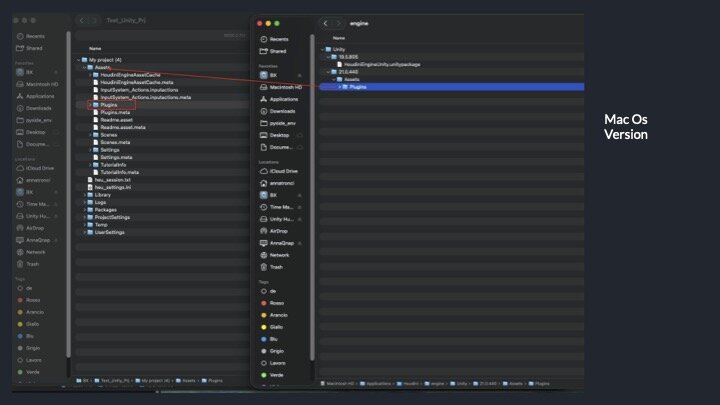
The HoudiniEngineUnity.unitypackage file, required for importing the plugin into Unity, was not found in its default location (C:\Program Files\Side Effects Software\Houdini Engine\Unity\20.5.684\). The Houdini installer, instead of creating a single package, directly placed the plugin's content folder, causing the traditional import method to fail.
Troubleshooting
The solution is to manually copy the plugin folder from the Houdini installation directory and paste it into the Plugins folder of the Unity project, circumventing the missing package issue.